.png?width=2000&height=2000&name=Amplify_new@2x%20(1).png)
Getting started with Amplify is simple, quick, and seamless.
1. Sign Up to Amplify
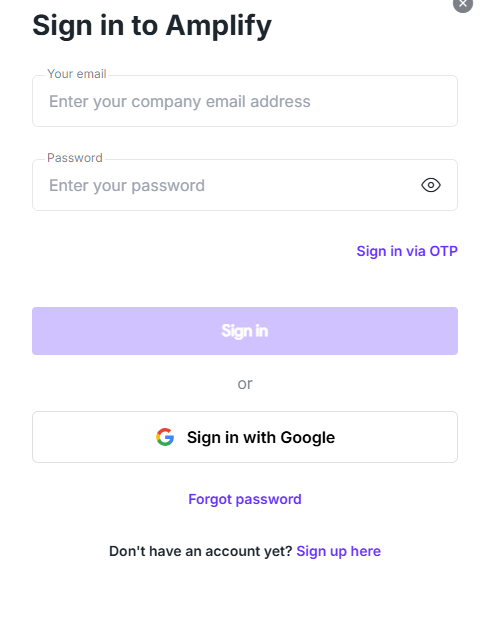
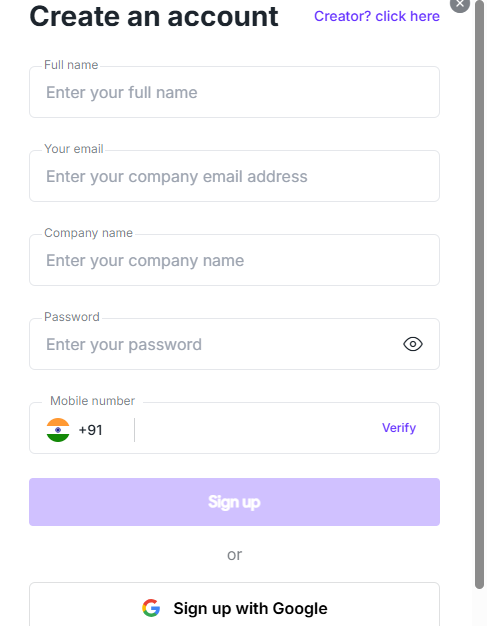
Sign up by using your Google account or by entering your email address and creating a password.
2. Set Up Your Brand
Enter your brand details to customize and personalize your experience on the platform.
3. Explore Amplify
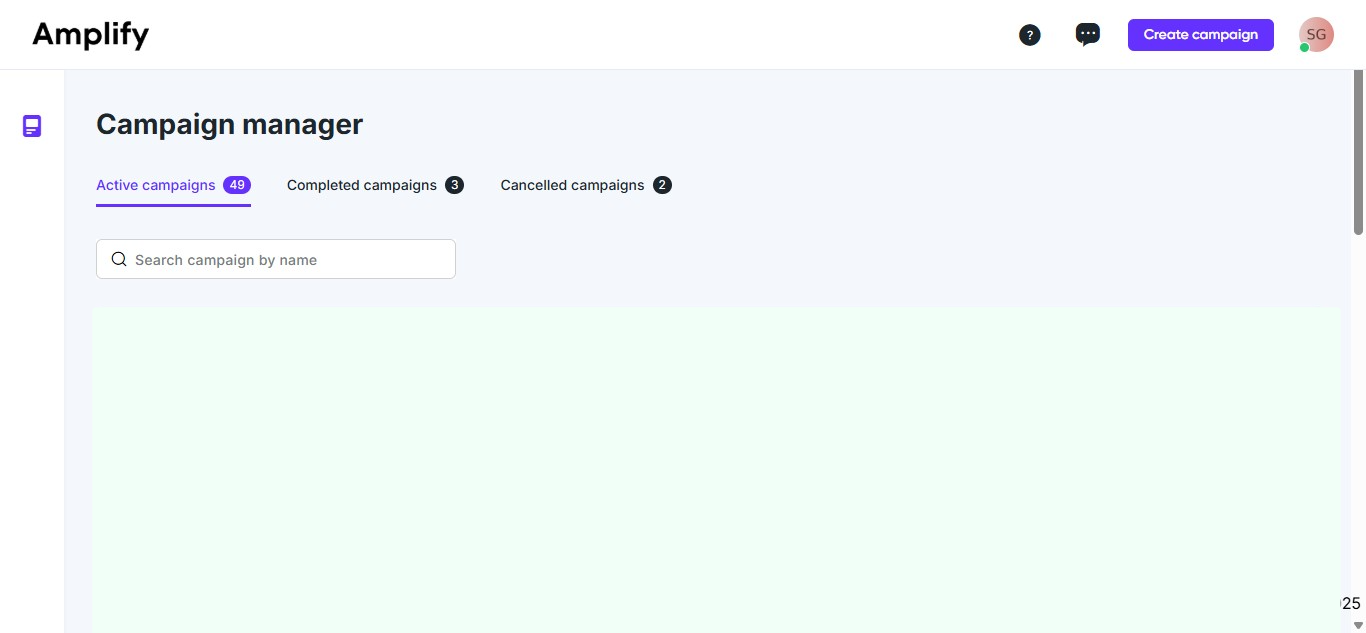
After setting up your brand, you’ll be directed to the Campaign Manager tab to create, view, and manage campaigns and check your balance.
4. Create a campaign and initiate influencer marketing activities for your brand.
You can also begin by creating your campaign. To do so, select ‘Create Campaign.’ Once you’ve completed all the required steps and processed the payment, your campaign will be created. You can then proceed to fill in the campaign brief.