.png?width=2000&height=2000&name=Amplify_new@2x%20(1).png)
Updating your interest categories in the One Impression creator app is quick and simple! Follow the steps below:
Steps to Add an Interest Category 🛠️
-
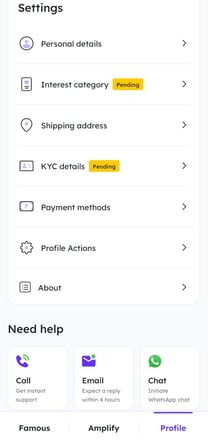
Go to the Profile section in the app 👤
-
Tap on “Interest Category” 📂
-
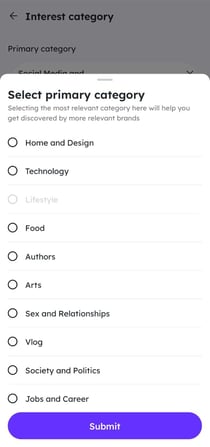
Select your Primary Category ⭐
-
Choose one or more Secondary Categories 🌈
Important Note ⚠️
-
You can choose only one primary category.
-
You can select multiple secondary categories to better define your interests!