.png?width=2000&height=2000&name=Amplify_new@2x%20(1).png)
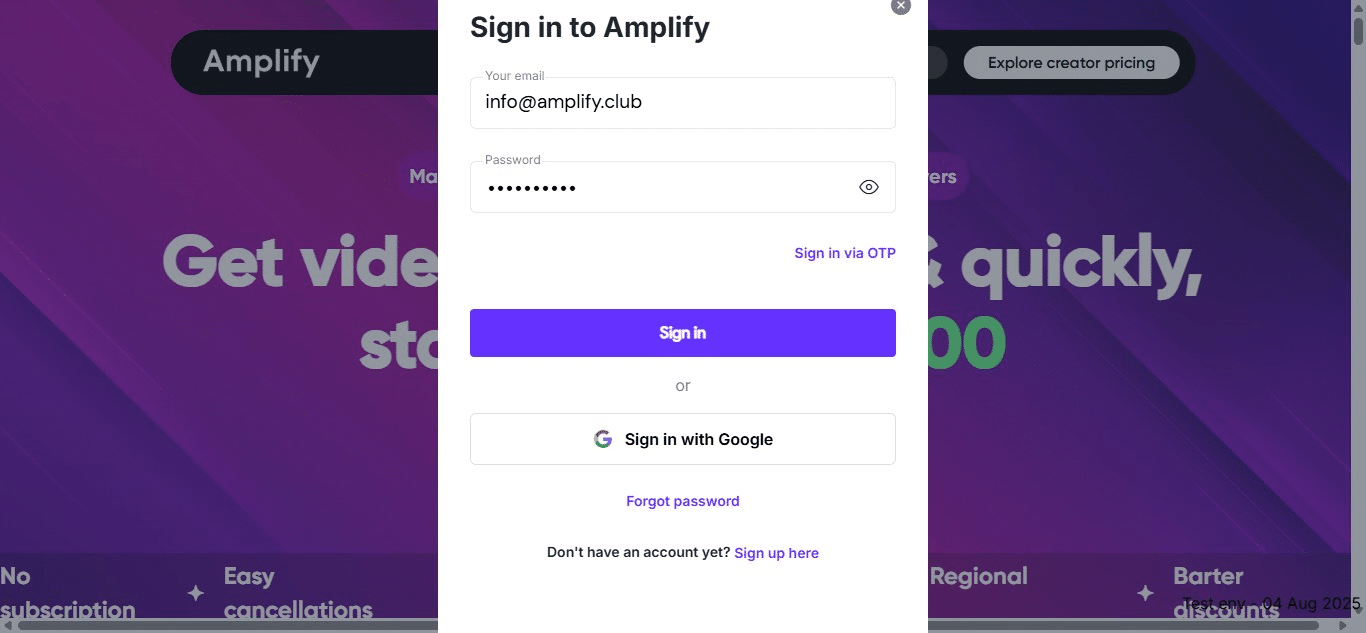
1. Visit Amplify and "Login."
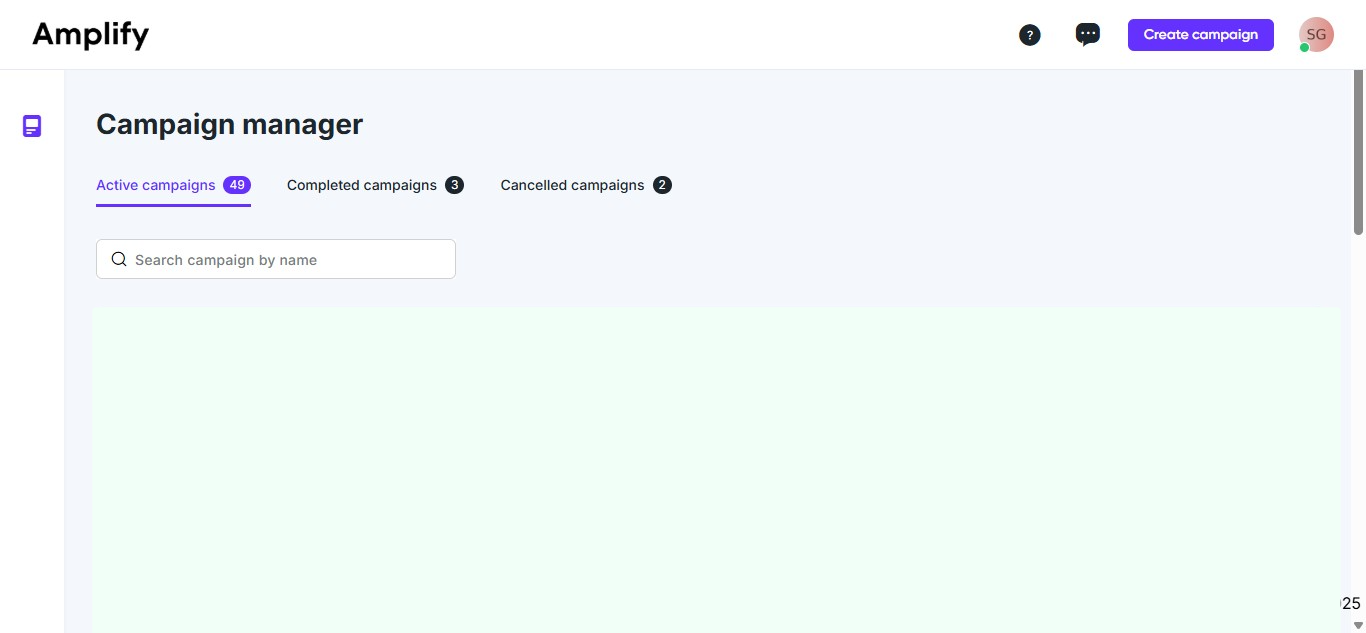
2. Click "create campaign."
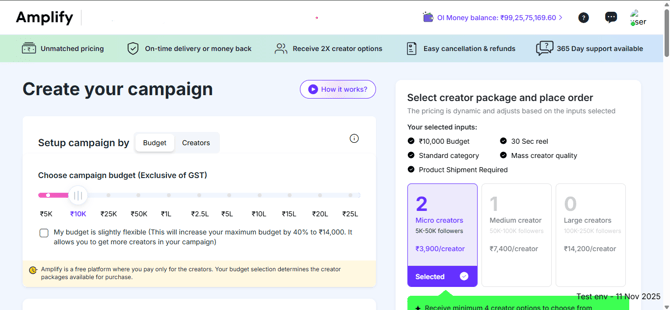
3. You can set your campaign budget by sliding the scale left or right.
Setting the right budget for an influencer marketing campaign is important because it ensures you can partner with the right influencers, achieve your campaign goals effectively, and get a good return on investment without overspending. It helps balance quality content, audience reach, and measurable results.
4. Choose content requirements per creator
Choosing content requirements per creator is important because it determines how your budget is used—asking creators to only create content costs less, allowing you to hire more creators, while asking them to create and share on Instagram increases reach but reduces the number of creators you can afford.
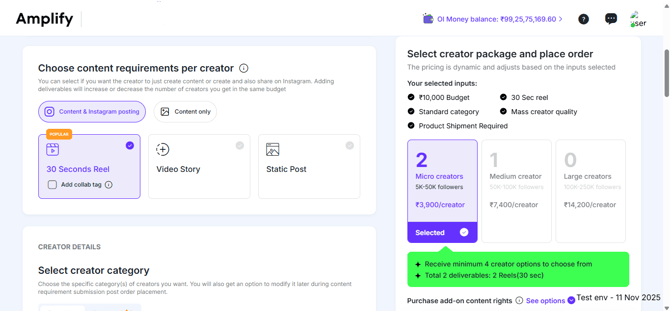
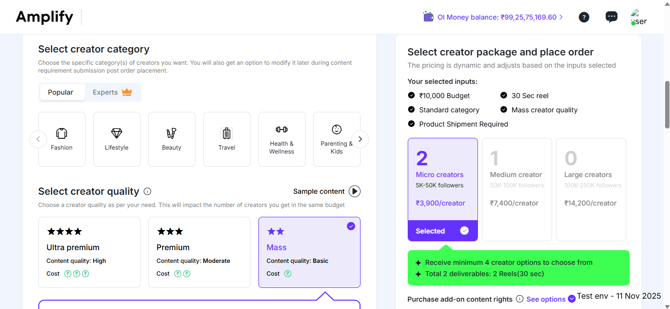
5. Choose the creator category and quality
The creator category ensures your campaign reaches the right audience by matching influencers whose content aligns with your brand or product niche. The creator quality affects the influencers’ reach and engagement and content quality—higher-quality creators offer better results but are fewer in number within the same budget.
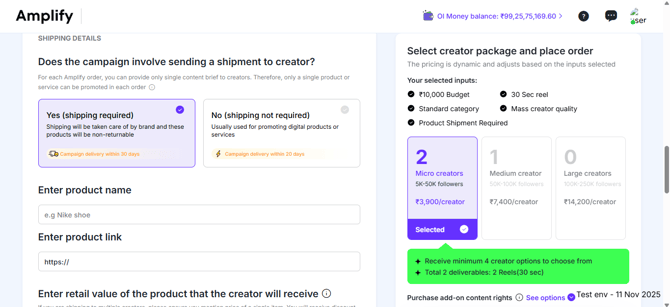
6. Add associated product details while configuring product-centric campaigns.
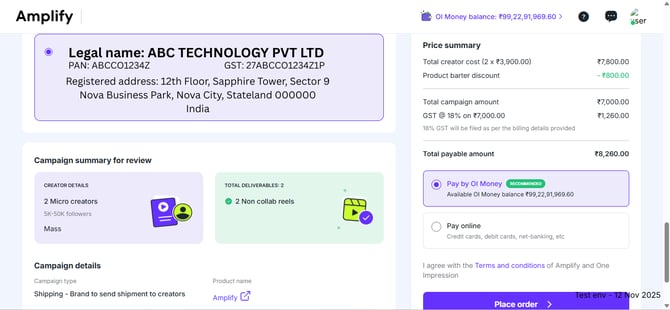
7. Click on "Place order."
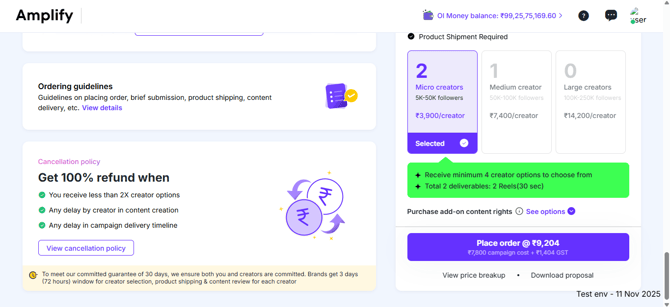
8. Select or add your company details, then proceed using either the OI Wallet or an online payment method.
You can make a payment using your OI Wallet or through online payment methods such as credit card, debit card, or net banking.
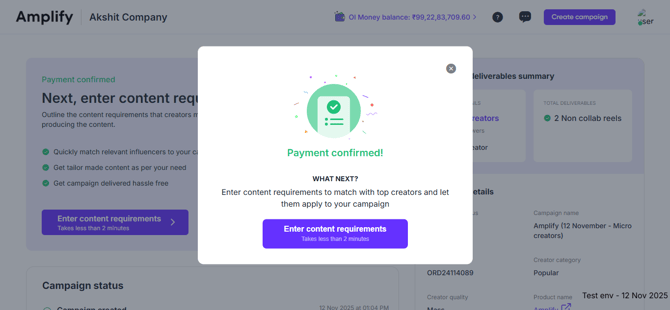
9. Hurray! Your campaign has been successfully created!
Once your payment is successfully completed, your campaign will be automatically created on One Impression. You can then fill out the campaign brief with your brand’s objectives and content guidelines. Providing clear inputs helps influencers better understand your requirements and ensures smooth campaign execution.