.png?width=2000&height=2000&name=Amplify_new@2x%20(1).png)
Fill out the campaign brief with your brand’s objectives, and content guidelines. Providing clear inputs helps influencers better understand your requirements and ensures smooth campaign execution.
1. Go to campaign manager and click on "Complete pending action."
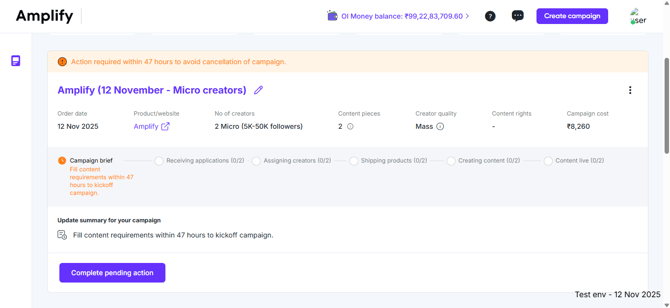
2. Amplify provides a seamless brief creation process. You can either copy the requirements from your previous campaigns or create a new brief from scratch.

3. The process of creating new content requirements consists of three key stages.
-
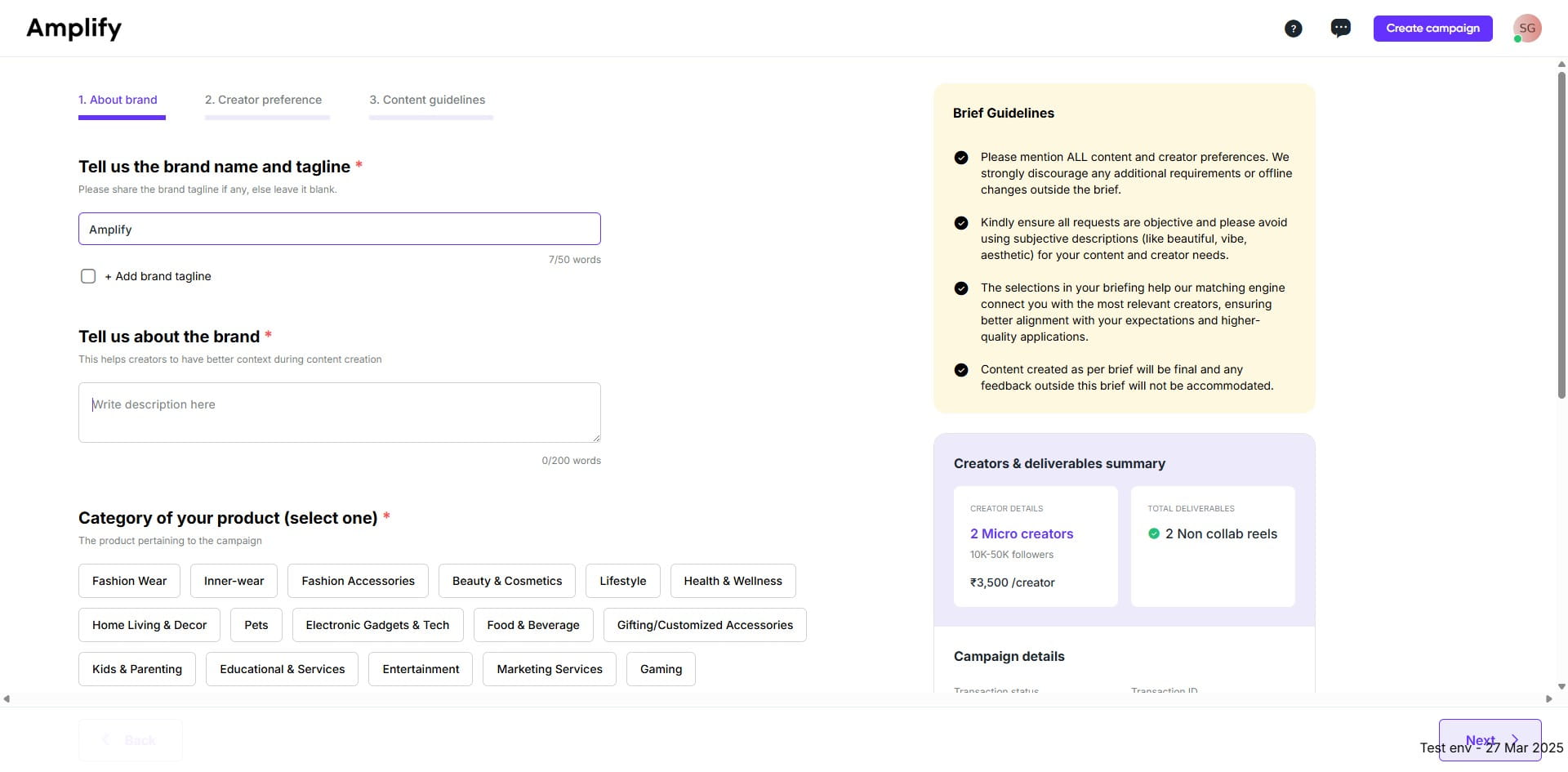
About brand
In this step, you need to add details such as the brand name, tagline, brand description, product category, Target audience, and contact information for order updates.
-
Creator preference
At this stage, detailed creator information is specified, including the creator’s gender, category, and regional classification.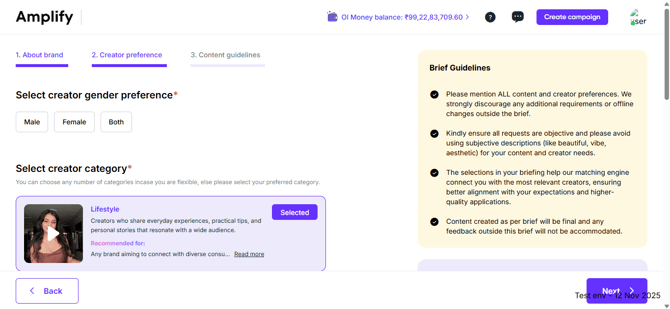
-
Content guidelines
In this step, users are required to input or select specific content parameters, including the content concept, script, Call to Action (CTA), creator guidelines (such as elements to avoid), background settings, creator attire, sound and text requirements, content language, tone, and posting guidelines.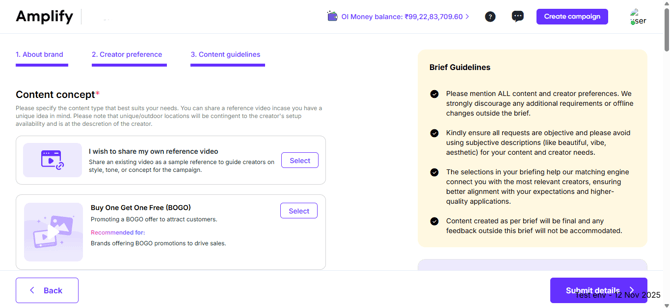
4. Once you click Submit Details, the brief will be marked as complete.
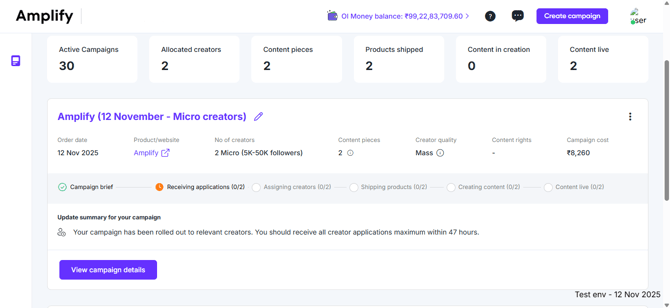
Your campaign setup is now complete, and the brief has been shared with influencers who align with your target audience and campaign objectives. These creators can now view your brief and apply to participate in the campaign. You can expect to start receiving creator applications shortly—we ensure 2X creator applications arrive within 48 hours. This stage marks the transition from Campaign Setup to the Creator Application Phase.