.png?width=2000&height=2000&name=Amplify_new@2x%20(1).png)
Getting started on the One Impression Creator App is quick and easy. Follow the steps below to create your account and begin your creator journey.
Step 1: Install the One Impression Creator App
-
Go to the Google Play Store or Apple App Store on your mobile device or click - One Impression Creator App
-
Search for “One Impression Creator App.”
-
Download and install the application.
-
Once installed, open the app to begin the registration process.
Step 2: Sign Up Using Your Mobile Number and Email Address
-
On the welcome screen, tap “Get started.”
-
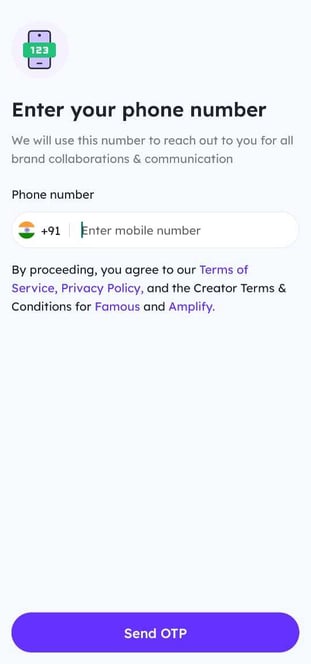
Enter your mobile number when prompted. You will receive an OTP to verify your number.
-
After verification, provide your email address to complete the basic setup.
-
Proceed to fill in any additional details requested.
You’re now registered on the One Impression Creator App and ready to explore campaigns, collaborate with brands, and grow your influence!