.png?width=2000&height=2000&name=Amplify_new@2x%20(1).png)
If the content created by the influencer doesn’t match your expectations, you can easily request changes through the Amplify by One Impression dashboard. Just follow these simple steps 👇
🔧 Step-by-Step Guide to Request Edits
-
Go to the Campaign Manager
Navigate to your campaign and click on “Approve Content.” 📂 -
Review the Submitted Content
Click “Review Content” to open and evaluate the creator’s submission 👀 -
Open the Options Menu
Tap on the kebab menu (⋮). ✨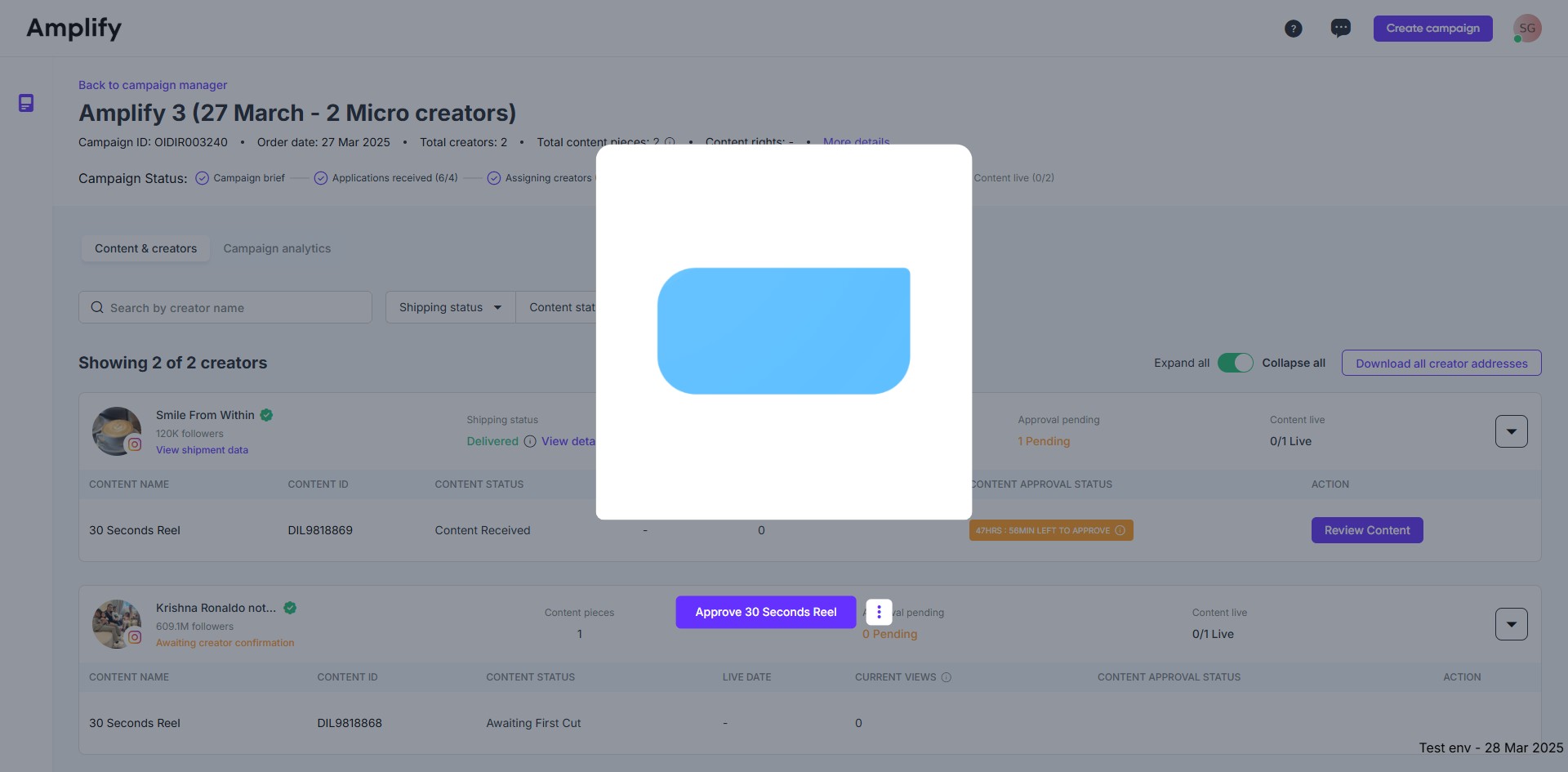
-
Submit Your Feedback
Select the option to provide feedback, write your edit request clearly ✍️, and hit Submit 🚀
What happens next?
The creator will submit the content again within the next 48 hours after fully incorporating the feedback.
The brand can request a second round of edits using the same procedure. Creators must then upload the second revision within 24 hours.