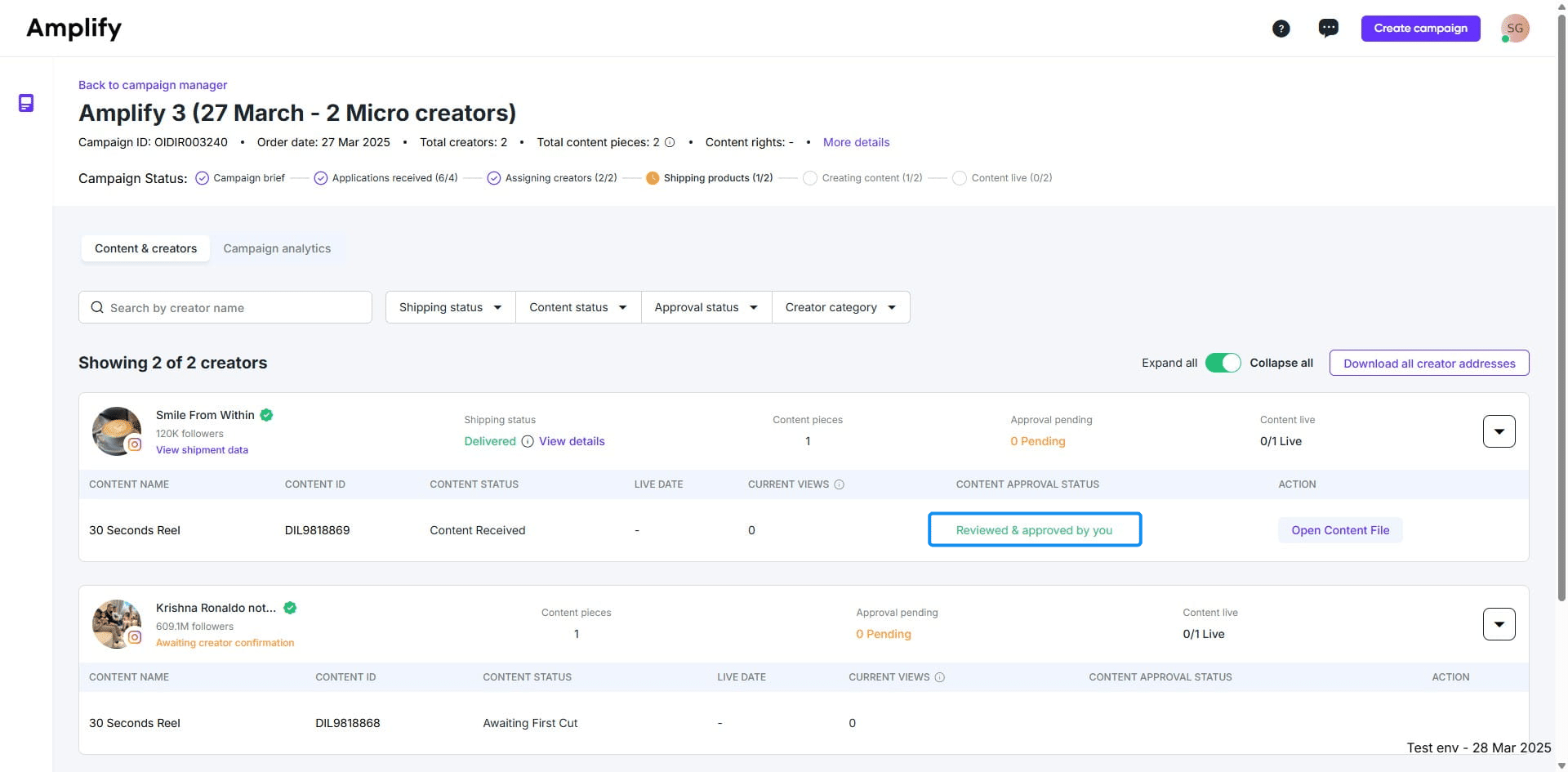
.png?width=2000&height=2000&name=Amplify_new@2x%20(1).png)
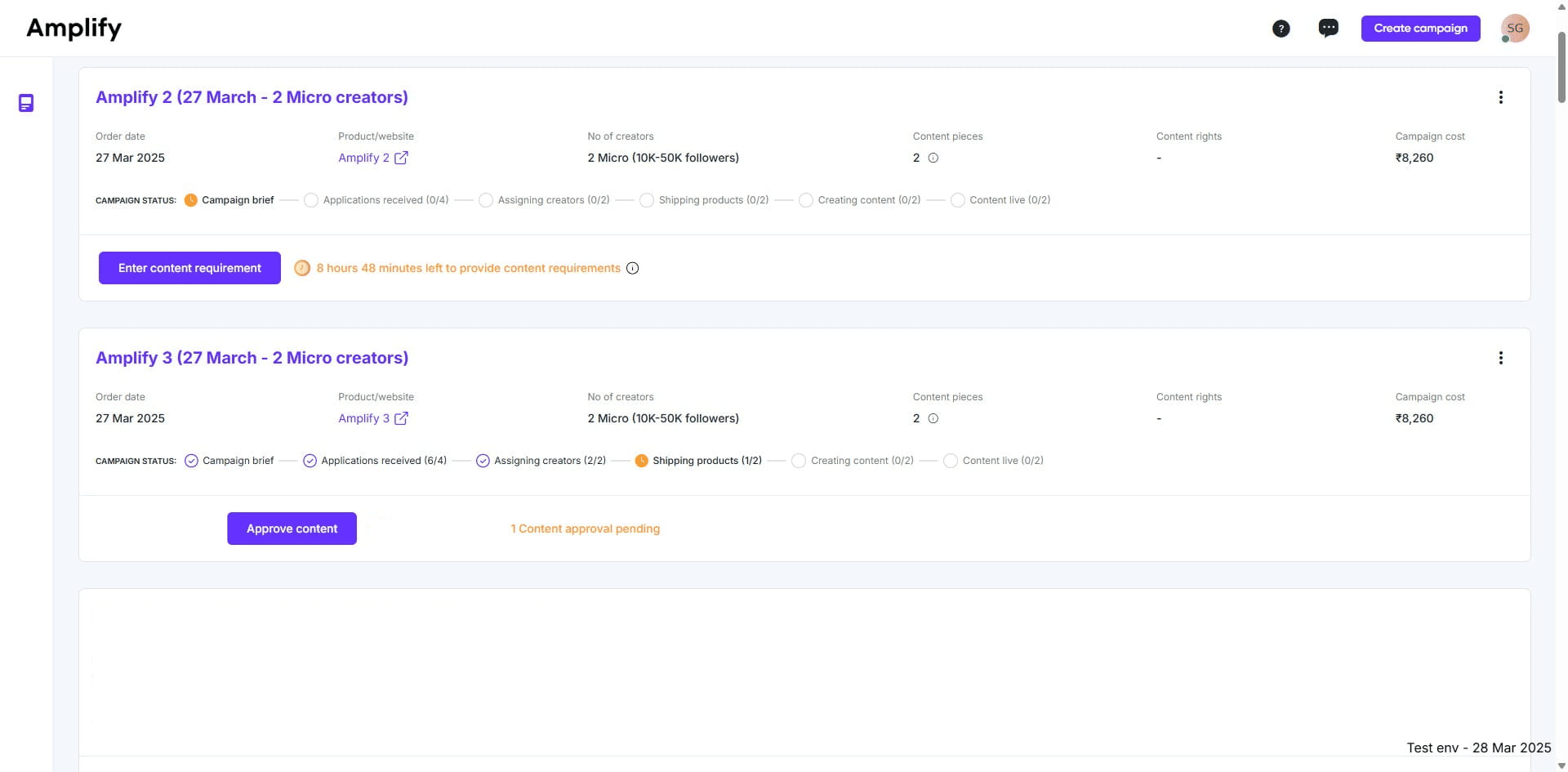
1. Go to campaign manager and click on "Approve content."
3. Click "Review Content" to evaluate the content made by the creator.
4. You can view the creator's uploaded content on this page.
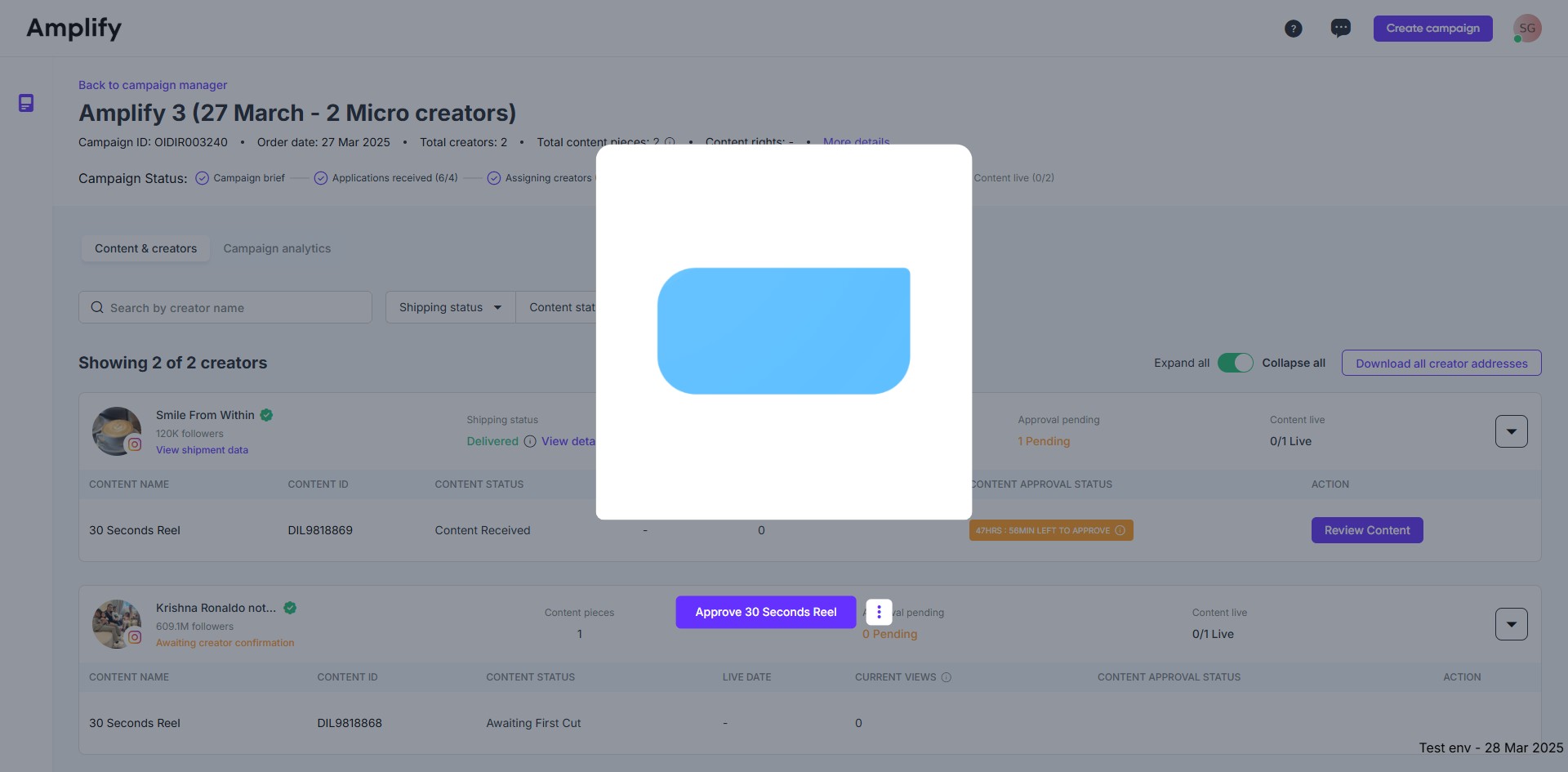
5. If you're happy with the creator's content, click "Approve."
6. The content has been reviewed and approved.