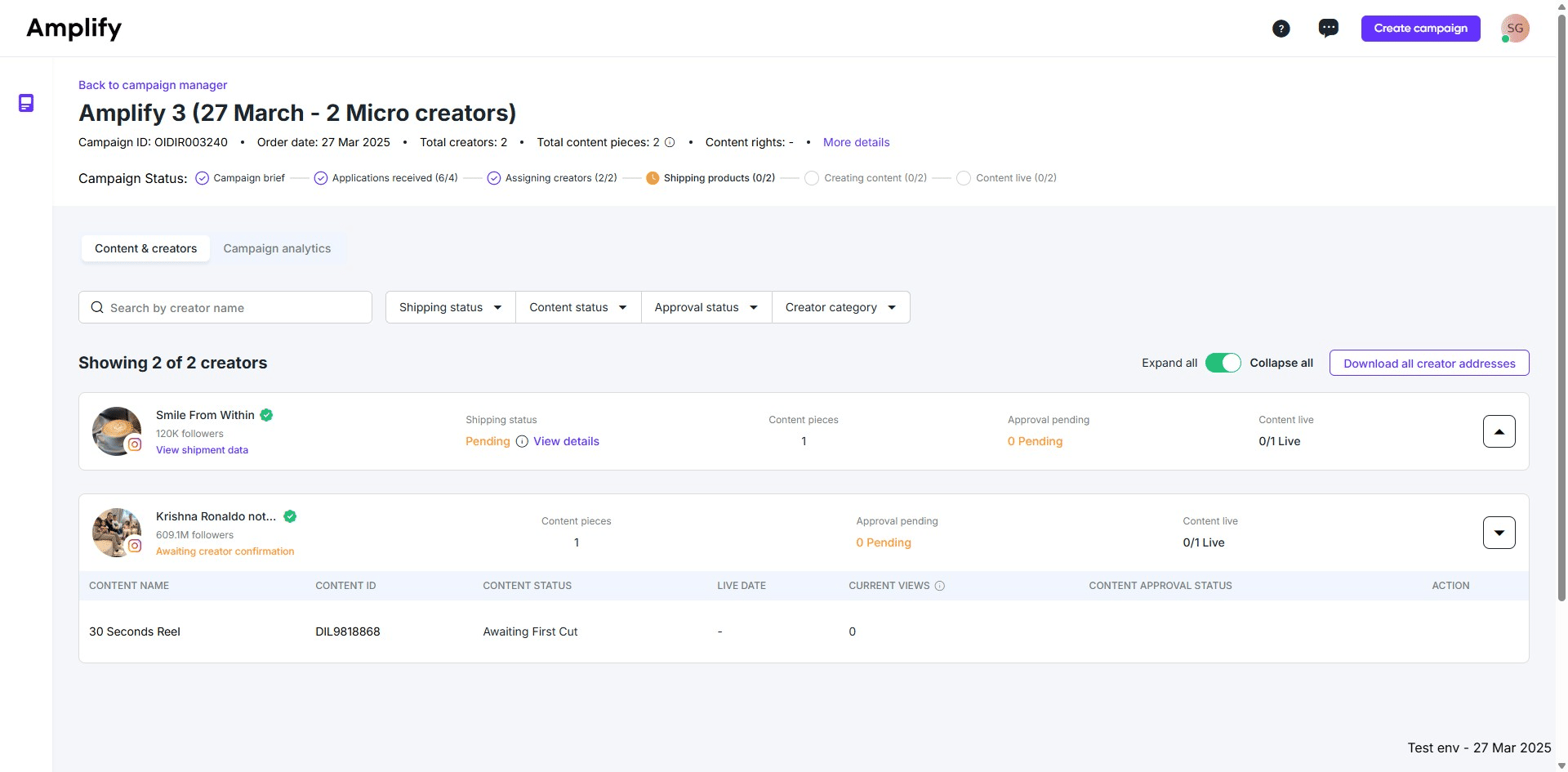
.png?width=2000&height=2000&name=Amplify_new@2x%20(1).png)
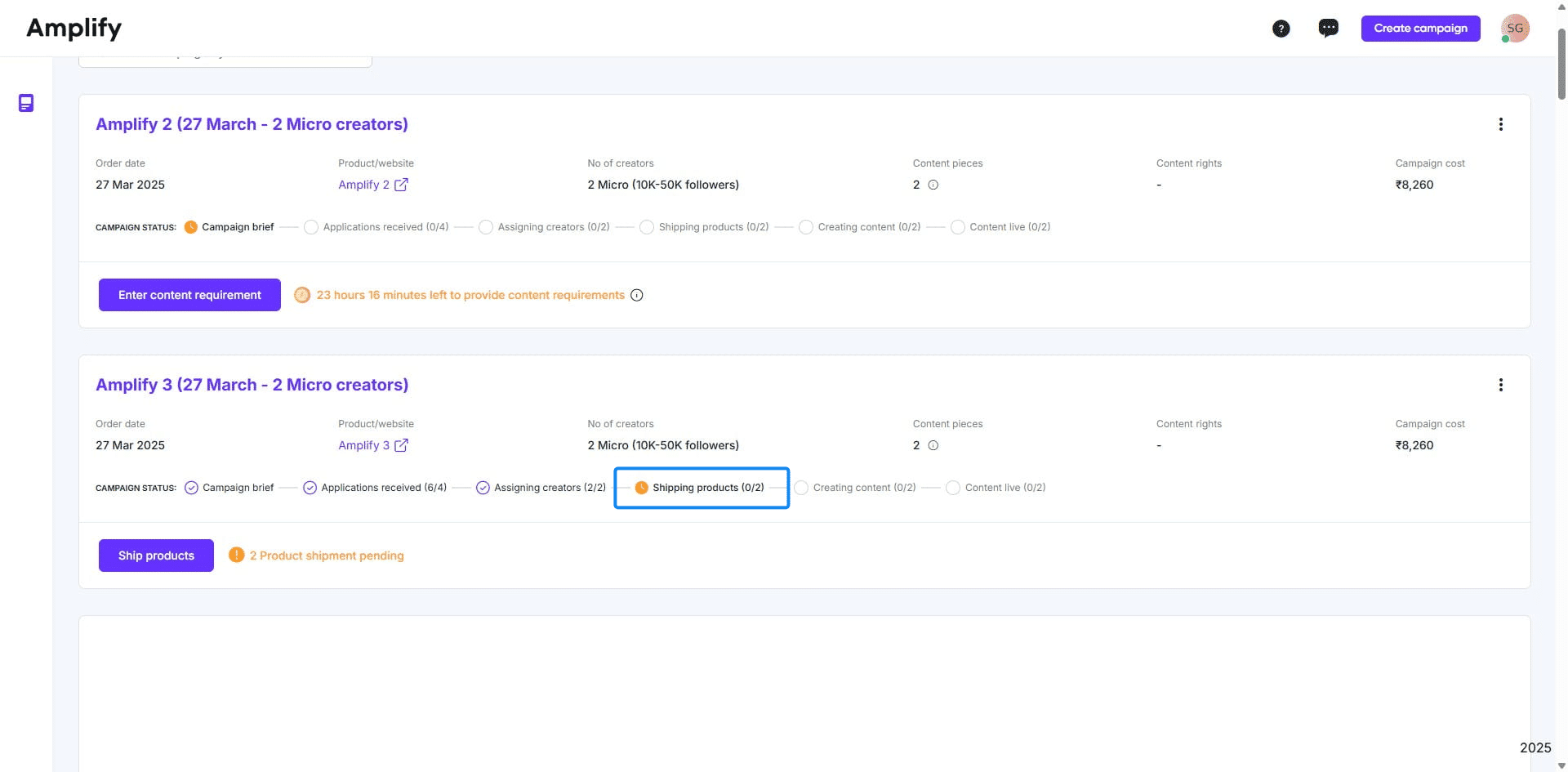
1. Go to the campaign manager and click on "Ship products."
2. Click "Download all creator addresses" to download the addresses of all creators.
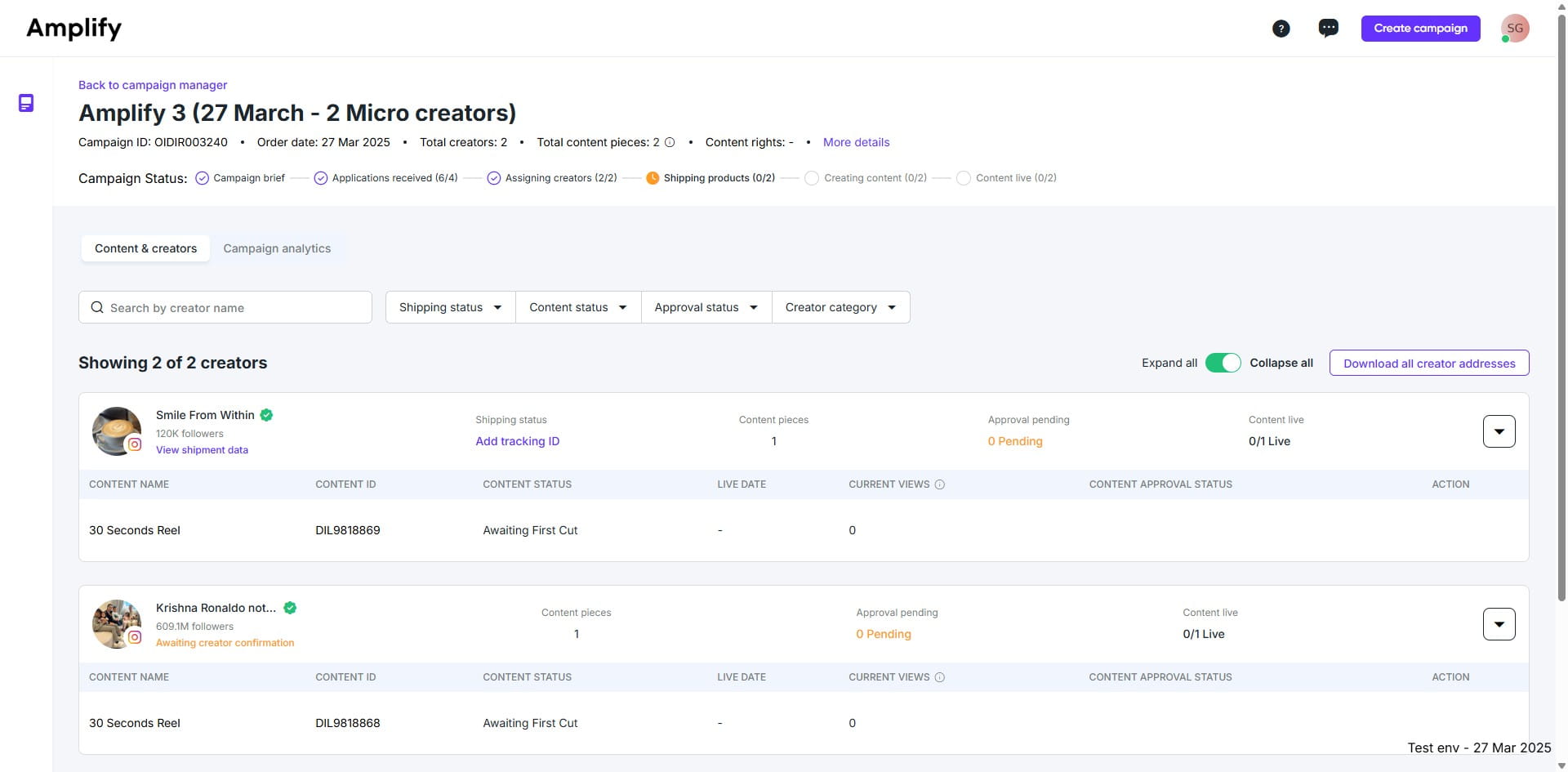
3. Ship the product to creators offline through your courier partner, obtain a tracking ID, and return to this page and click "Add tracking ID"
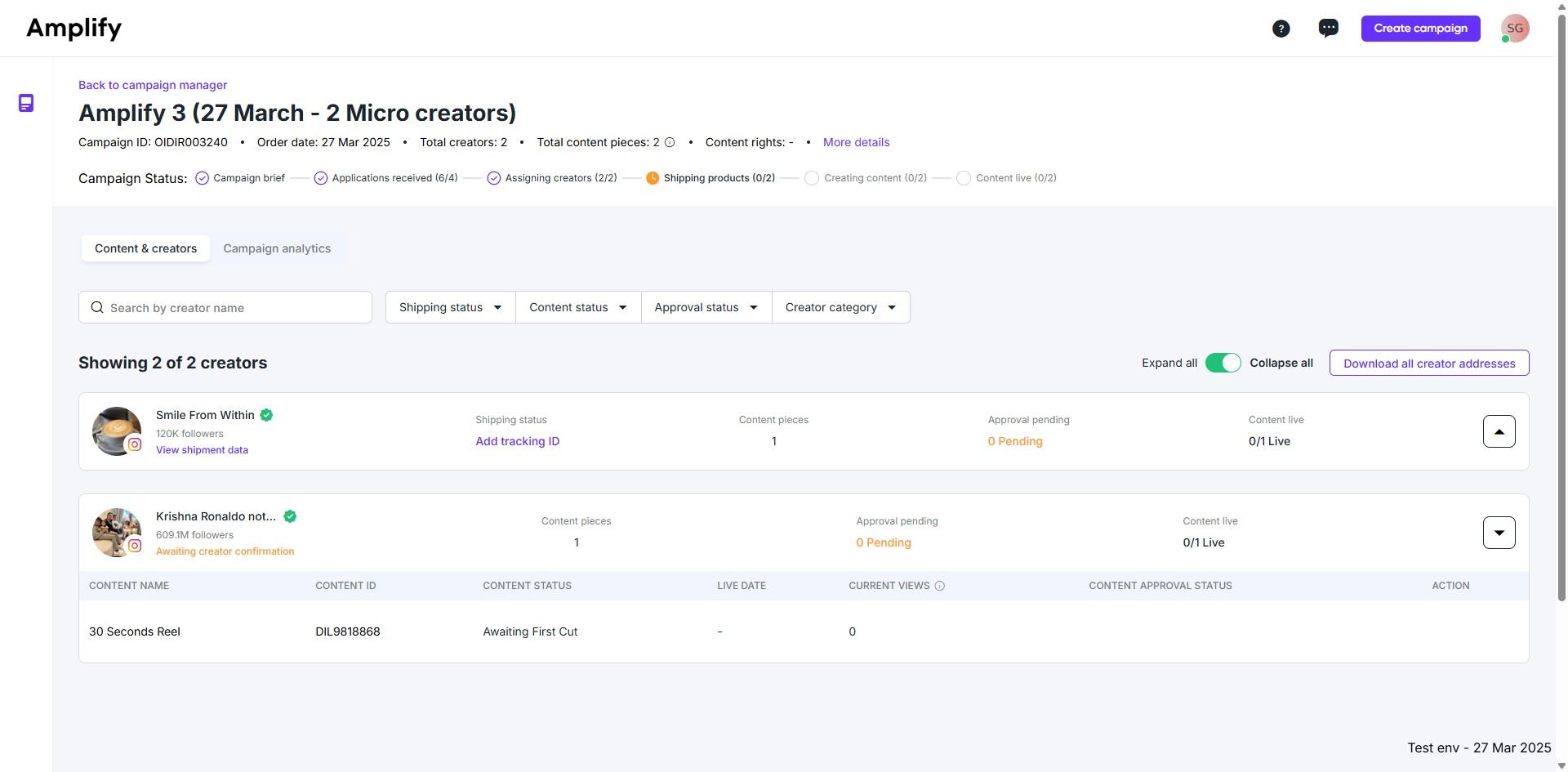
4. Now, enter the AWB number, select the courier partner, and click "Verify."
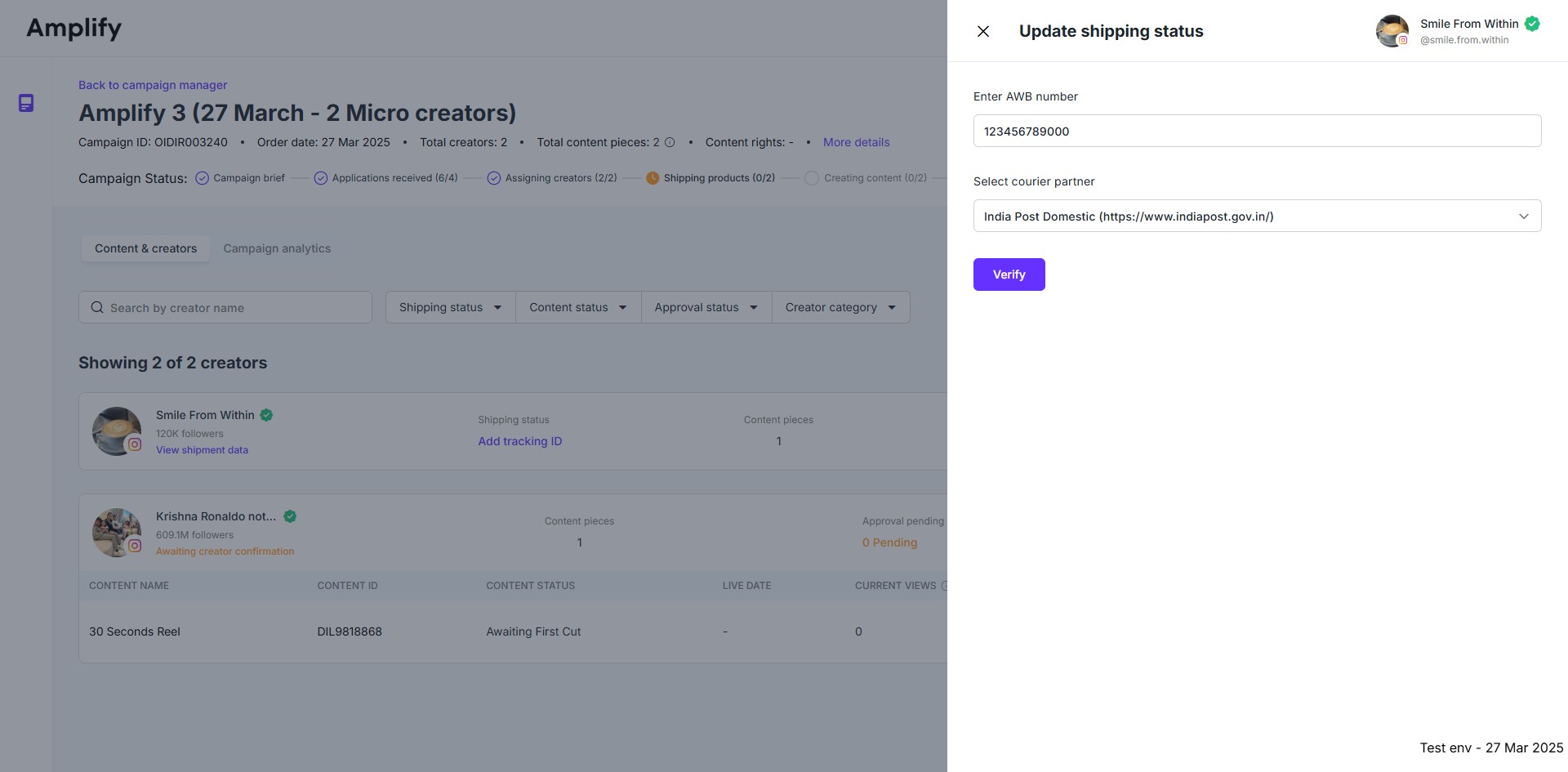
5. The dashboard will automatically fetch the current delivery status.